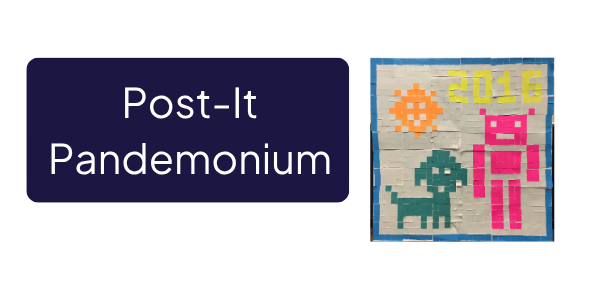
Post-It Pandemonium is an “unplugged” educational activity that uses multi-colored Post-It Notes to demonstrate image representation and compression algorithms, like bitmaps and GIF with Lempel-Ziv compression. It helps make complex computing concepts more intuitive and engaging.
See More

Bebras Challenge are computational thinking puzzles for stduents. There is a yearly challenge, and archived puzzles to encourage logical thinking and problem-solving. The challenge is best for students aged 6-10, but enjoy other puzzles for computational thinking practice. Includes coding challenges and unplugged logic puzzles.
See More
Play a game to make an Algo-rhythm, complete certain criteria in an order. Fun, music and learn how to complete steps in order.
See More

From beginning levels to more advanced challenges, KidJS offers a JavaScript-based maze construction activity, that utilizes device orientation sensors. Kid.js aims to make coding engaging by incorporating physical interaction and challenging algorithmic concepts, with educator support throughout.
See More
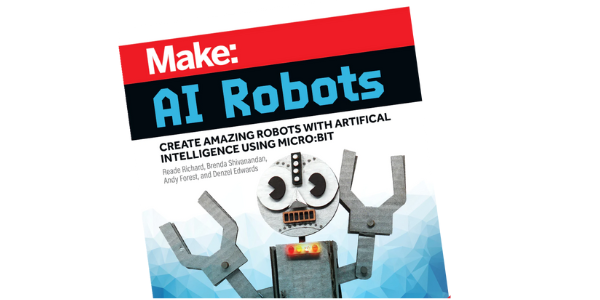
This website offers resources and tutorials for building and programming AI-powered robots using micro:bits. Educators can use these materials to guide students in hands-on robotics projects with a focus on artificial intelligence. The site aims to make AI and robotics accessible through practical, step-by-step instructions.
See More

This game teaches digital safety and cybersecurity defense. Players act as a CTO, completing challenges to protect a social network from attacks. The Lab includes real-world scenarios and cyber term explanations. Includes Educator support
See More

Partner up and code! In this engaging activity, students write and interpret directional instructions to guide a leprechaun. Test your algorithmic thinking and communication skills! Created by Amy Graham, LTC Instructional Technology Coach
See More

Create a unique Happy Valentines Day by sending a paper “text message” using paper circuits. This is a fun way to show off maker skills to that special someone.
This tutorial has (2) FREE project templates that include a light-up emoji and a light-up heart. Uses copper tape, an LED and a coin cell battery.
See More

In this activity, students will practice to familiarize themselves with the difference between relative coordinates and absolute coordinates in your own classroom. How general or detailed you choose to be with coordinates depends on the age and skills of your students.
See More

Engage your students in coding with a festive Leprechaun adventure! This Google Slides activity focuses on algorithmic thinking and problem-solving. Easy to use and customize. Originally created by Amy Graham, LTC Instructional Technology Coach. *could be adapted to do unplugged.
See More