
Finding What You’re Looking For on the Marketplace

Looking for replacement parts? Want to stock up on instructional supplies? Trying to track down a tariff-proof price on new Chromebooks?
Don’t hunt around different vendors’ websites! Schools can find everything from software licenses to connectivity hardware in one place – on the ILTPP Marketplace.
With just a quick search, the Marketplace lets you compare options from numerous pre-vetted resellers, all arranged by price and specification.
How can you find what you’re looking for on the Marketplace? There are a couple quick and convenient ways, starting with a tried-and-true search.

Using Universal Search
The top search bar allows you to complete a universal search across all available supplier catalogs by entering a keyword or part number.
Give It a Try: Click into the top search bar and enter a keyword for a product you want, such as “Chromebook” or “ink cartridge”. You can also type in a part number to quickly find a specific item.
Then, hit the magnifying glass icon to start your search.

Select a Category
You can refine your search across all suppliers within a specific category using the category search dropdown menu.
Give It a Try: To narrow down your search results, click the category search dropdown menu to the left of the search bar.
Then, select a contract category relevant to the product you want to find.

Refine your Search Results
After completing a search, you can refine your results using several easy-to-configure filters. These filters allow you to narrow your results based upon a product’s supplier, price, manufacturer, and more
Give It a Try: After completing a search, look to the left and click any of the drop down toggles next to “Supplier”, “Supplier Classification”, “Item Classification”, “Manufacturer”, or “Price”. This will display relevant tags from listings in your results.
Click the check boxes next to these tags to instantly narrow your search results to only display listings that include that tag.

Searching Supplier Catalogs
If you already know which supplier you’d like to purchase from, you can often search through their specific catalog on the Marketplace.
Note: Not all suppliers’ catalogs are available for search via the Marketplace. Some suppliers utilize a punchout catalog, which sends you to their website’s online catalog before returning you to the Marketplace for checkout.
Give it a Try: Under a supplier’s logo, click the magnifying glass icon to bring up a search bar. Type a keyword into this box and click “search” to search for products exclusively in that supplier’s catalog.
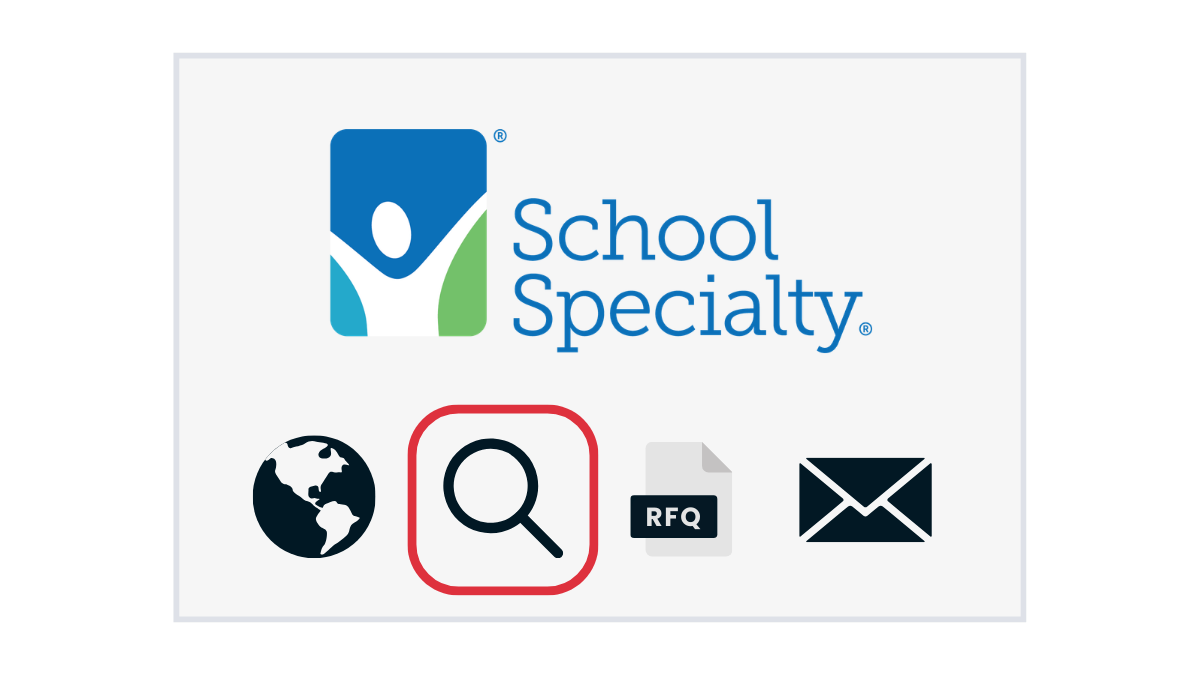
Note: This icon will only appear if a supplier’s products can be searched directly on the Marketplace.
Instead of a magnifying glass, you may instead see a globe icon under a supplier’s logo. This icon indicates that the supplier offers a punchout catalog.
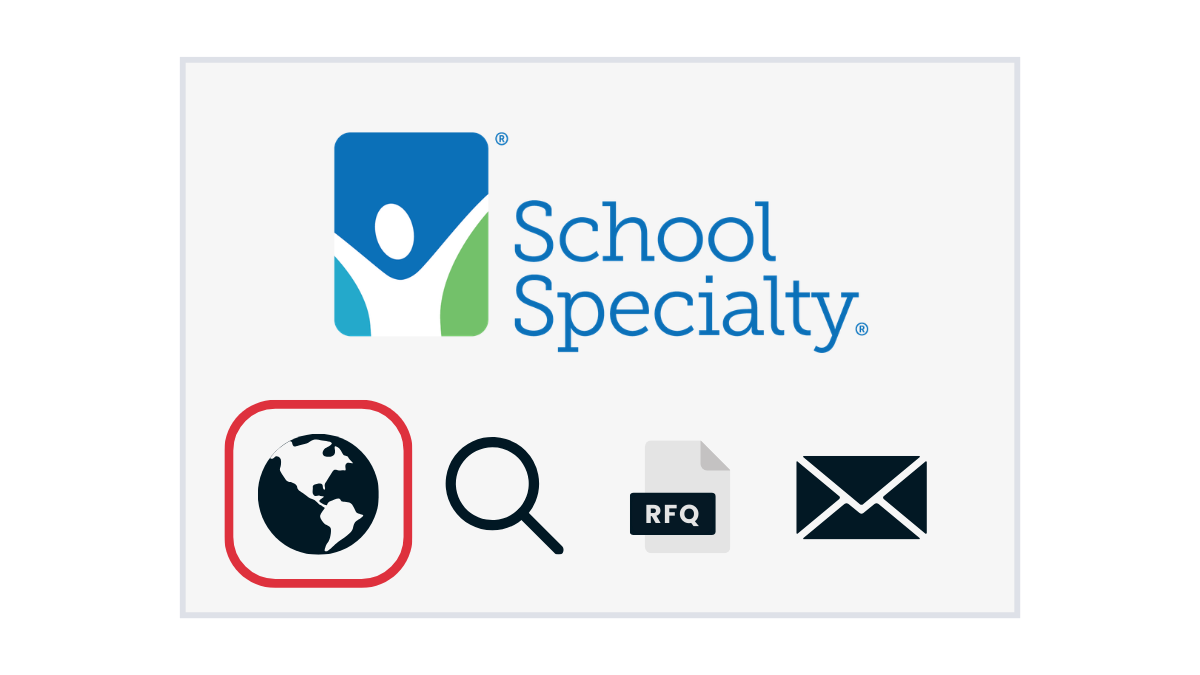
Click this globe icon to navigate to the supplier’s website, where you can search and shop their punchout catalog before returning to the Marketplace for check out.
Start your Search Now
Your days of searching every corner of the internet are done. Start your procurement search on the Marketplace to take the hassle out of comparison shopping and lock in discounts on your district’s entire shopping list.
Get started now by logging in to the Marketplace or become an ILTPP member for free →

New to the Marketplace?
Get ready for smooth procurement from start to finish.
Contact iltpp@ltcillinois.org with questions or to learn more about shopping the Marketplace.

Amanda leads ILTPP's member engagement by driving membership growth and support through strategic programs and statewide outreach, ensuring schools across Illinois realize substantial financial benefits.

Sam leads and supports the execution and growth of LTC services through the development and creation of innovative, impactful, and timely digital content.
Stay Up-To-Date


Amazon vs. Purchasing Cooperatives: Where Should Your School Shop?
Purchasing devices and supplies from Amazon can feel thrifty, but relying on it means leaving benefits on the table. Pre-negotiated contracts offer savings and support that enhance ROI in the

Microsoft Announces New Academic Offering for Microsoft 365 Copilot
Microsoft has announced an exciting update for educational institutions: a new academic-specific offering for Microsoft 365 Copilot, launching December 2025.
