








Finding What You’re Looking For on the Marketplace
Looking for replacement parts? Want to stock up on instructional supplies? Here are four strategies for using the Marketplace to search for everything on your district’s shopping list.
Finding what your school needs on the Marketplace is a cinch. Just start a search, select a category like “Instructional Supplies” or “Furniture”, and in a click, you’re on your way to savings.
Still can’t find something on your shopping list? Chances are, you’ll find it on a supplier’s punchout site.
There, you can search through that supplier’s expanded catalog on their native website before checking out back on the Marketplace. The best of both worlds!
Here’s how you can start searching at the source using punchouts:
Not all suppliers on the Marketplace offer punchout functionality. To find those that do, look for the globe icon next to the supplier’s name or look for a supplier in the “Punchout Suppliers” category.
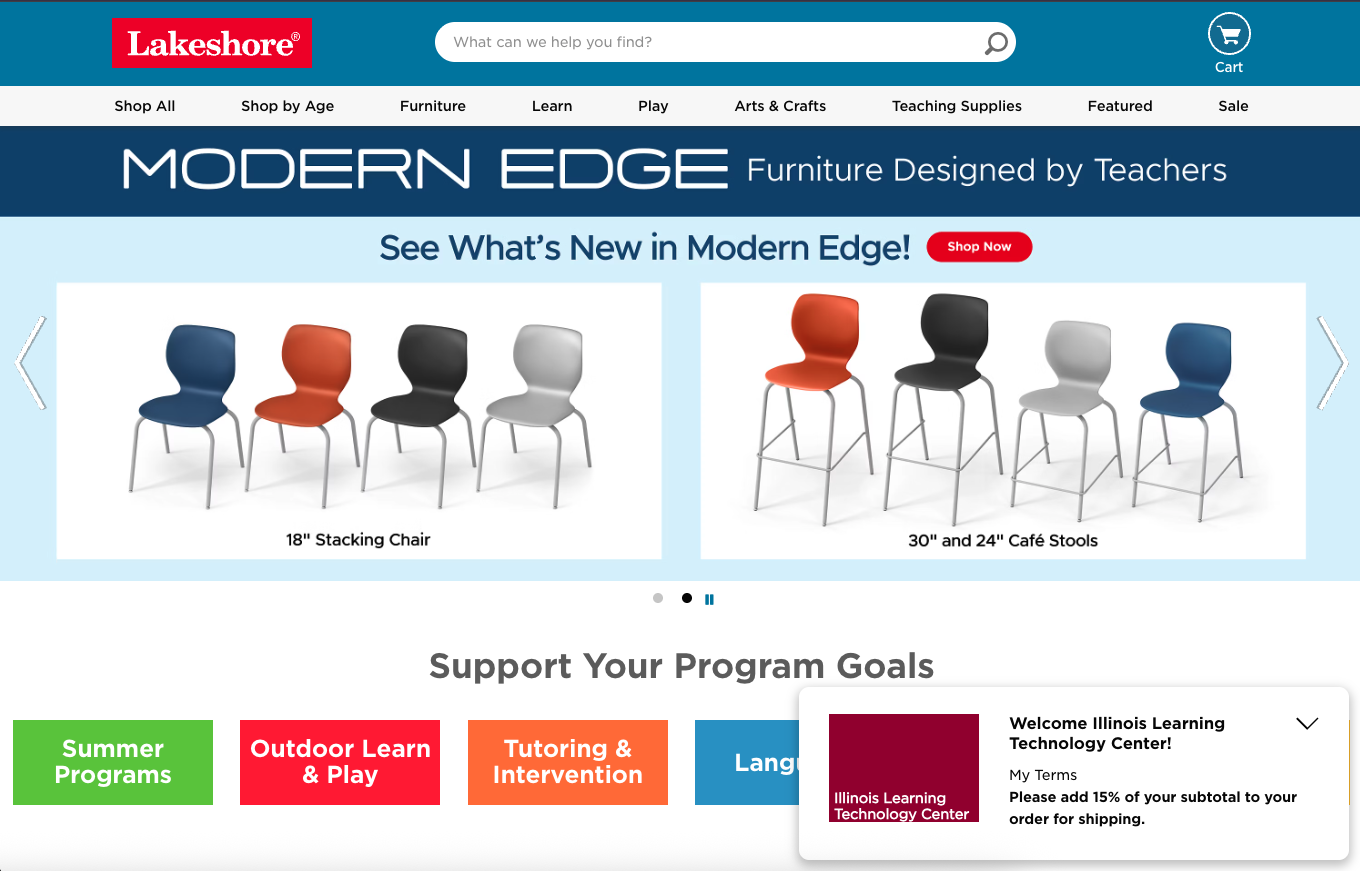
Give It a Try: Under a supplier’s logo, click the globe icon to be taken to their punchout site. These are often located on that company’s primary website.
On each punchout site, you’ll be able to use the supplier’s native categories and search tools to surface items on your shopping list.
After you finish shopping, your items will be automatically imported back to your Marketplace cart for final purchase.
Note: Each supplier’s punchout site may offer different search and filtering options. Contact us if you’re having trouble finding what you’re looking for.
Give It a Try: As you are accustomed to, use the punchout site’s “Add to Cart” function while shopping.
Then, after you finish shopping on the punchout site, proceed with that site’s checkout process. This will automatically import your selections back to your Marketplace cart, where it will appear alongside other items added through the Marketplace.
After checking out on the punchout site, you’ll be brought back to the Marketplace for final checkout. This allows you to pay for items from the punchout supplier alongside items found directly on the Marketplace.
Give It a Try:
Review your order on the Marketplace and add more items from other Marketplace suppliers if desired.
Then, hit “checkout” to proceed with the Marketplace’s unified payment process.
Note: Any discounts offered by the supplier carry over to your checkout on the Marketplace, and are applied automatically.
Always start with a regular search to find items listed by suppliers directly on the Marketplace.
If you can’t find what you’re looking for from a specific supplier, “punch out” to the supplier’s site via the Marketplace to search their extensive catalog directly.
While on a supplier’s site, remember that their specific return policies, as well as their terms and conditions, apply.
Punchout sites are one more way the Marketplace streamlines procurement for you.
Through them, you gain access to an even broader range of products and services your school needs without missing out on the Marketplace’s efficient order tracking or flexible payment options.
Login now to explore which suppliers offer a punchout site or become an ILTPP member for free →
Get ready for smooth procurement from start to finish.
Contact iltpp@ltcillinois.org with questions or to learn more about shopping the Marketplace.
Amanda leads ILTPP's member engagement by driving membership growth and support through strategic programs and statewide outreach, ensuring schools across Illinois realize substantial financial benefits.
Sam leads and supports the execution and growth of LTC services through the development and creation of innovative, impactful, and timely digital content.